Google Play recommended
Use Google Play for the simplest installation and automatic app updates.

DEMOS & APP
Explore how compatible Hearit devices capture voice, connect with the App and turn conversations into transcripts, summaries and follow-up content.
Google Play and the App Store are recommended for automatic updates. The direct APK is available for supported Android devices.

HEARIT.AI
TAKE EVERY CONVERSATION
FURTHER
ANDROID / CURRENT RELEASE
Use Google Play for the simplest installation and automatic app updates.
For manual installation, download the APK only from this official Hearit.ai page. Android may ask you to allow installation from your browser.
FROM DEMO TO DEPLOYMENT
Use the standard Hearit workflow to evaluate voice capture, transcription, translation and AI summaries. Once the workflow is validated, discuss API, SDK, customer platform and deployment requirements for the next stage.
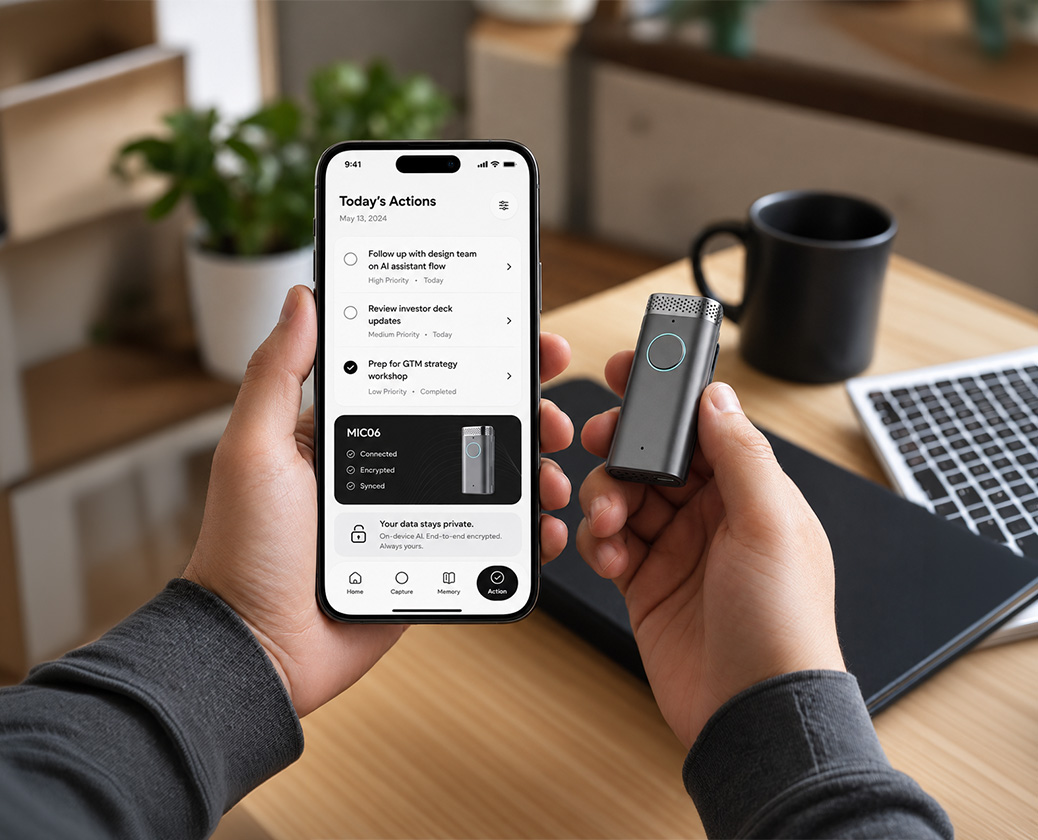
Use the App to connect compatible devices and explore the complete voice-to-content workflow.
Connect supported voice and AI capabilities through API, SDK or an existing customer platform, depending on project requirements.
Plan data flows, system connections and deployment options around the requirements of each project.
SUPPORT & INFORMATION
Find device instructions, review our privacy policy or contact the Hearit App team for help with installation and connected devices.